Studio
DIY-Thermocam Desktop Studio is a free app for macOS, Windows and Linux. It shows the live image, measures temperatures, edits and exports captures, reads the microSD card and updates the firmware.
Supported systems
Download the installer from GitHub Releases.
| System | Architecture | Setup |
|---|---|---|
| macOS 12+ | Apple Silicon (arm64) and Intel (x64) |
None |
| Windows 10 / 11 | x64 |
None |
| Linux | x86_64 and ARM64 |
Set up USB permissions once |
How Studio works
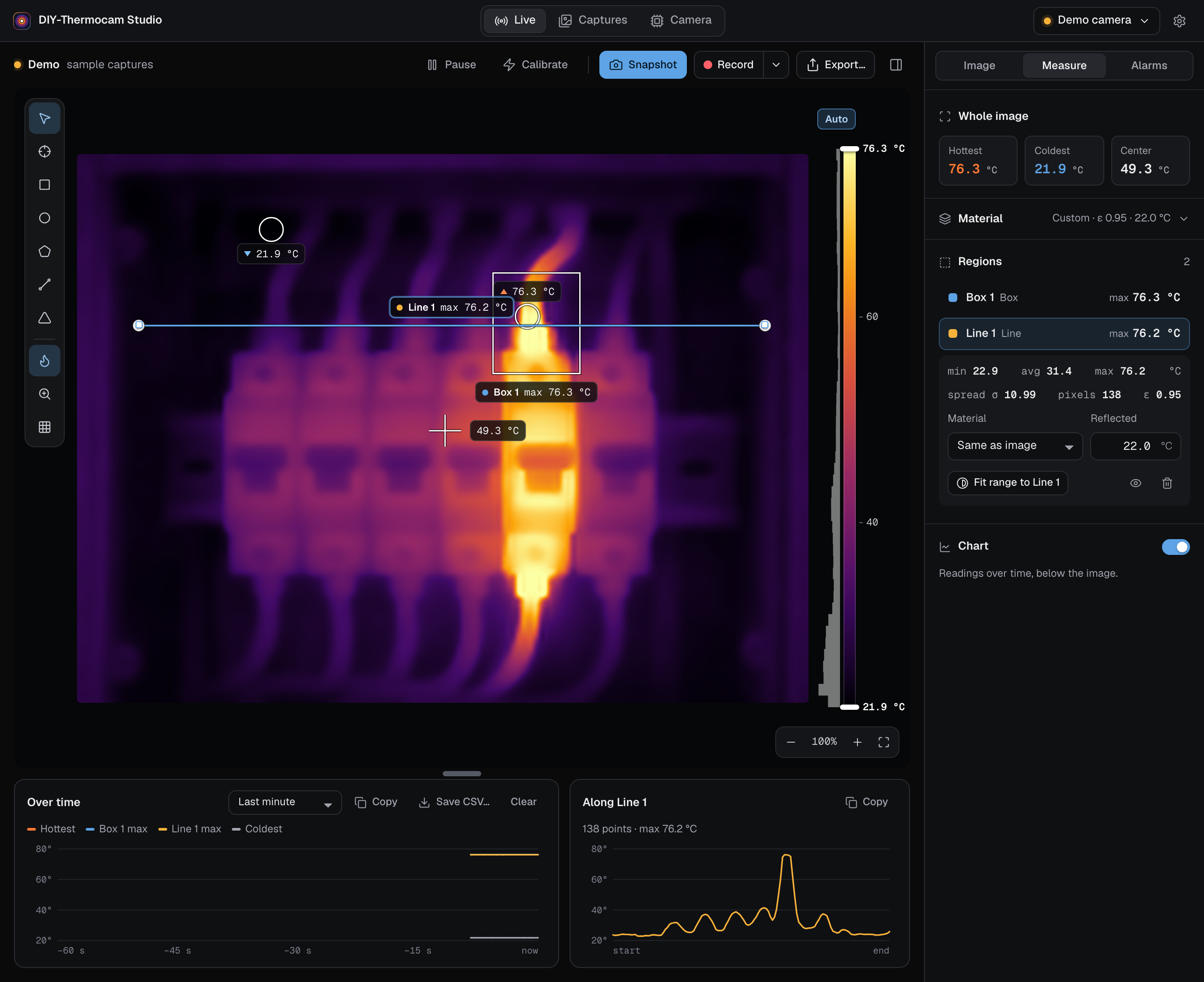
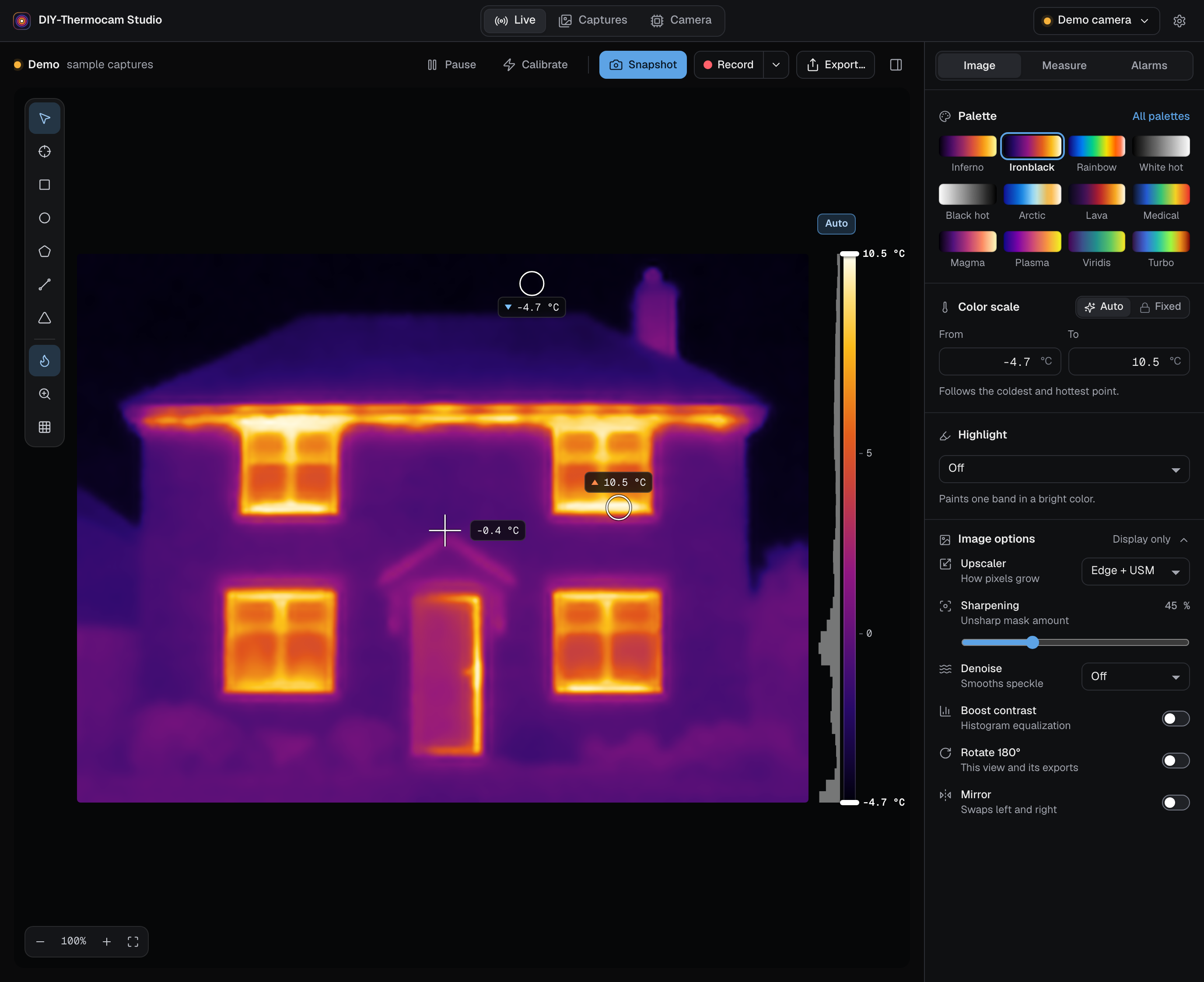
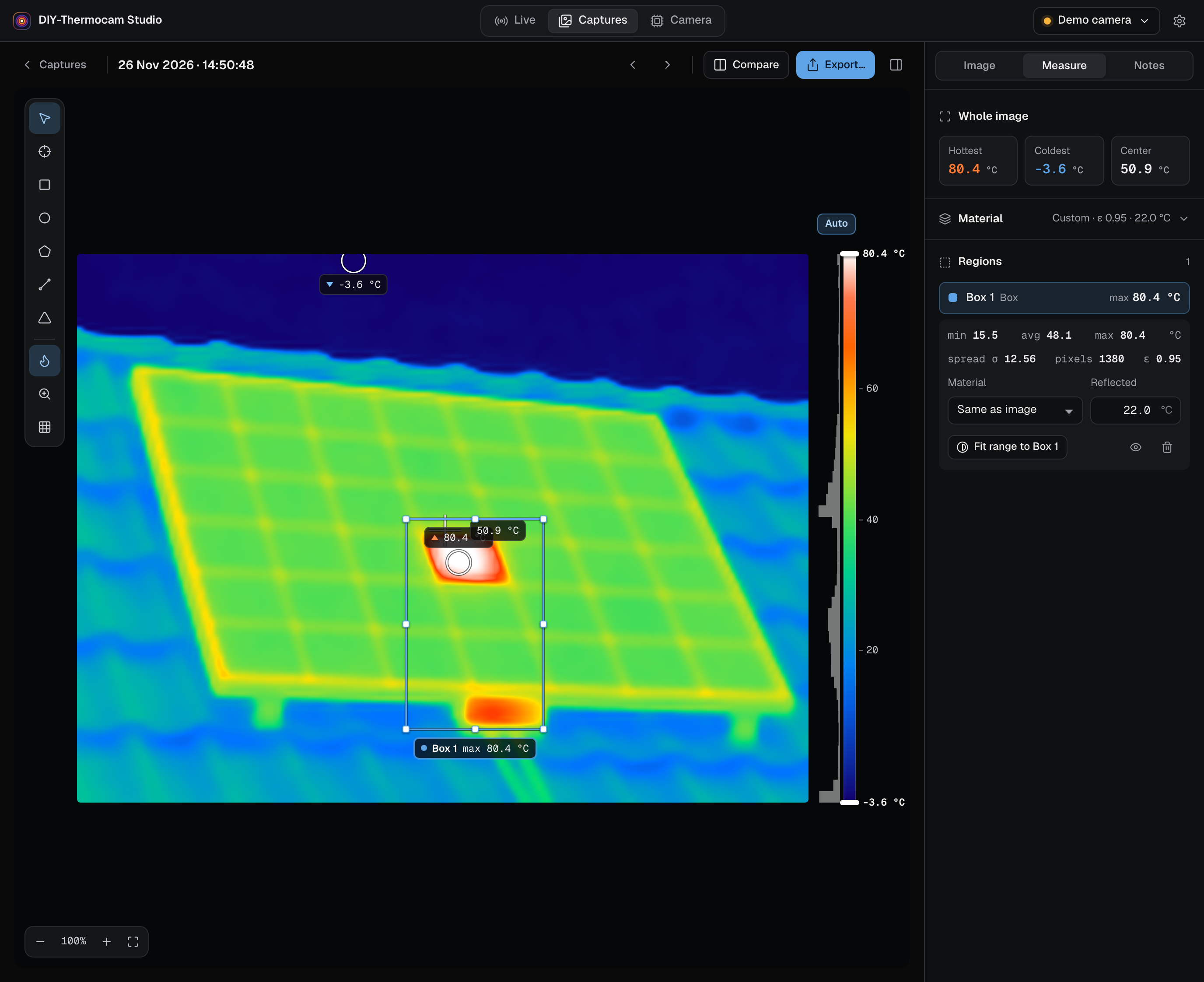
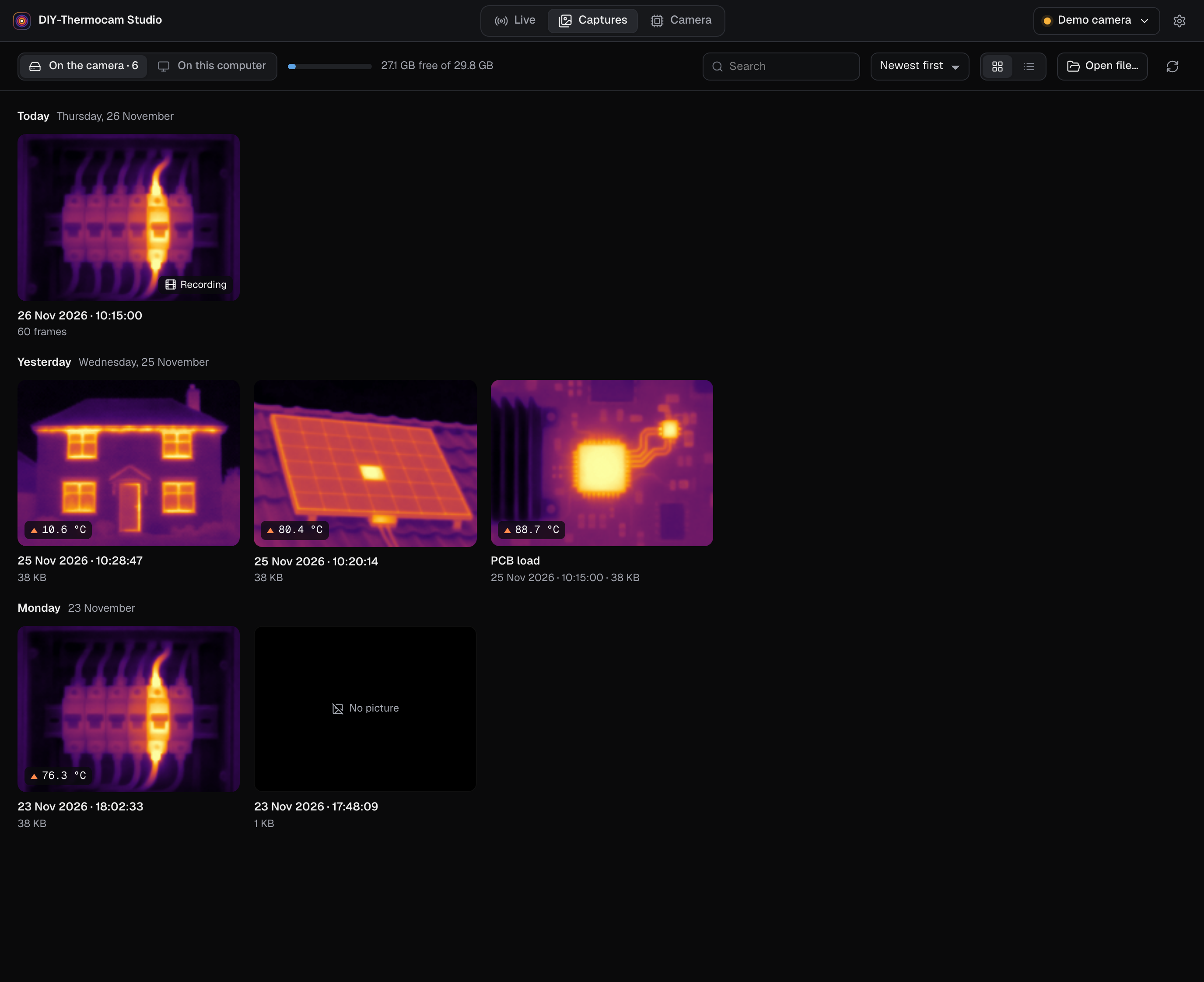
Studio has three places, chosen in the header: Live, Captures and Camera.
| Live | An opened capture | Captures library |
|---|---|---|
 |
 |
 |
Technology and speed
- Built with Tauri v2, Rust (
thermocam-core), React 19 and WebGL2. - Talks to the camera over USB Protocol v2.
- Measured on a Teensy 4.1 with Lepton 3.5: 8.77 fps live, 0.26 ms median command latency, 9.20 MB/s microSD reads.
First start
- Plug in the camera and Studio connects by itself.
- No camera? Click Try the demo camera for real sample captures.
- Unplugged, the last image stays dimmed until the camera returns.
Live
- Drag the color scale’s handles to fix the range, or leave it on Auto.
- Palettes: the 19 firmware ones,
Inferno,Viridis,Magma,Plasma,Turbo. - Import your own under Image › All palettes.
- Draw spots, boxes, circles, polygons, lines and differences (keys
V S B C P L D). - The Measure tab lists each region’s min, average, max, σ and pixel count.
- Set emissivity and reflected temperature for the image or per region.
- Alarms notify, snapshot or record when a reading crosses a limit.
- Charts log the session and show line profiles. Save CSV… saves every sample.
- Press
?for keyboard shortcuts.
More Live options
- The histogram sits beside the color scale.
- Spots are 1 pixel or 3 × 3. Move, resize and rename regions on the image.
- Smoothing, noise reduction, rotation, mirroring: Image › More image options.
- Raw sensor values, sensor temperature, frame numbers: gear menu › Engineering details.
Snapshot, Record and Export
- Snapshot saves the frame as a
.DATfile, then offers Copy image, Save PNG… and Show in Finder. - Record writes to disk until you stop it or space runs low.
- The arrow beside Record sets a time-lapse interval and the folder.
- Export… (
⌘E/Ctrl+E) saves video, images, temperature data and reports. - Files go to Pictures › Thermocam. Change this in the gear menu.
Export formats and recording limits
- Formats: MP4, animated GIF, PNG/JPEG, temperature CSV, 16-bit Kelvin TIFF, raw
.DATframes, HTML/Markdown reports, at any size. - MP4 uses the bundled OpenH264; no FFmpeg to install.
- Record needs 500 MB free to start. When it stops for space, it keeps every frame.
- Gear menu › Also save a PNG with every snapshot.
Captures
- One library: On the camera (microSD, no MTP drivers) and On this computer.
- Opens
.DATcaptures from every DIY-Thermocam camera, with every Live tool. - Search, sort, and switch between grid and list.
- Compare with… shows two captures side by side.
- Edits save by themselves, with Undo and Reset to original. The original
.DATnever changes. - Recordings play back with a chart and trim. Export… writes the trimmed part.
- Delete asks first. Files on this computer go to the Trash or Recycle Bin.
Where edits and videos are kept
- Edits to a file on this computer sit beside it; edits to card files, in Studio’s data folder.
- A video on the card is copied to this computer before it plays.
Camera
- Settings apply at once and stay on the camera. A refused setting flips back with its reason.
- Measuring range, Mounted upside down, and the screen’s spot, scale and battery.
- Camera button: Snapshot in Studio, Record in Studio or Nothing.
- Use Studio’s material on the camera’s screen sends Live’s emissivity and reflected temperature to the sensor.
- It is off by default; off restores factory values. Connecting never changes the camera.
- Update firmware… installs a
.hexfile; see Firmware. - Diagnostics shows frame timing, link health and memory, with Copy for a bug report.